Story guide
What Is the AI Zombie Couple Trend?
Understand AI zombie couple videos, the happy-memory transition, and the difference between Human & Zombie and Zombie Lovers.
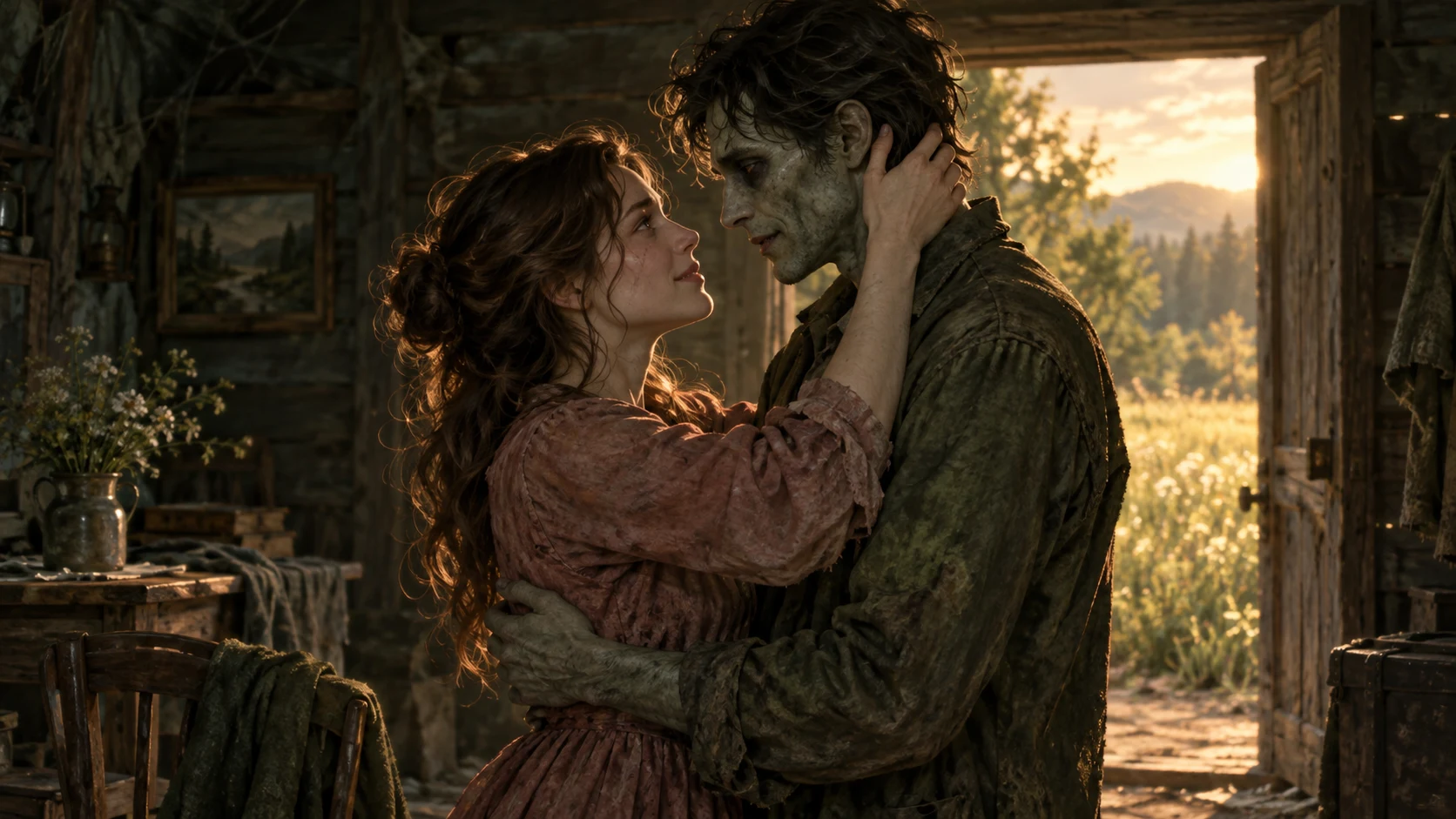
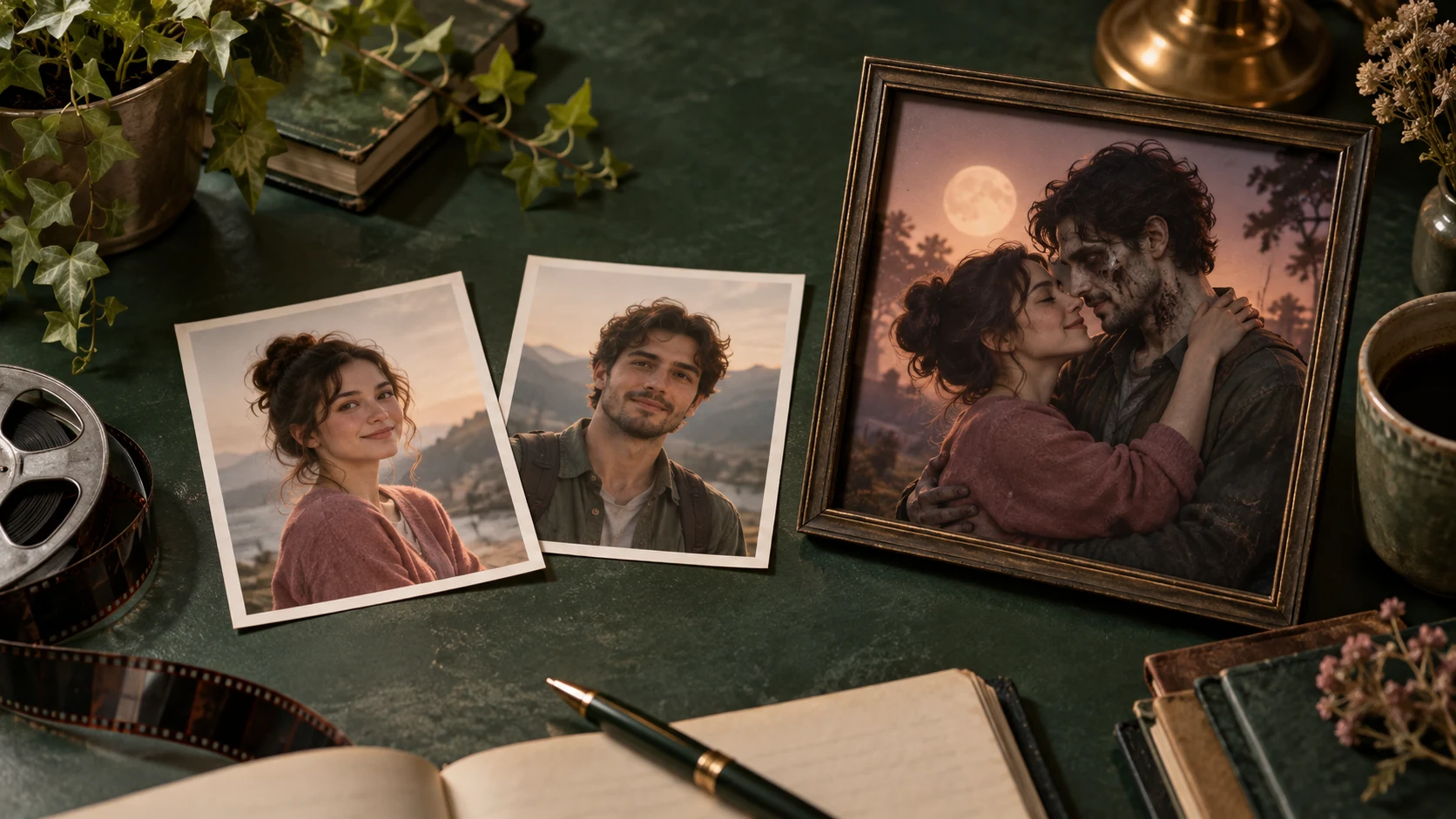
An AI zombie couple video is a short love story in which one or both partners appear as zombies. Two portraits supply the faces; AI creates the setting, expressions and movement. The emotional moment might be recognizing a changed partner, holding them again, or sharing a small romantic gesture after the world has fallen apart.
On AI Zombie Couple, you can take that idea in two directions: Human & Zombie, a reunion that returns to an earlier happy memory, or Zombie Lovers, a romantic scene where both partners remain zombies.
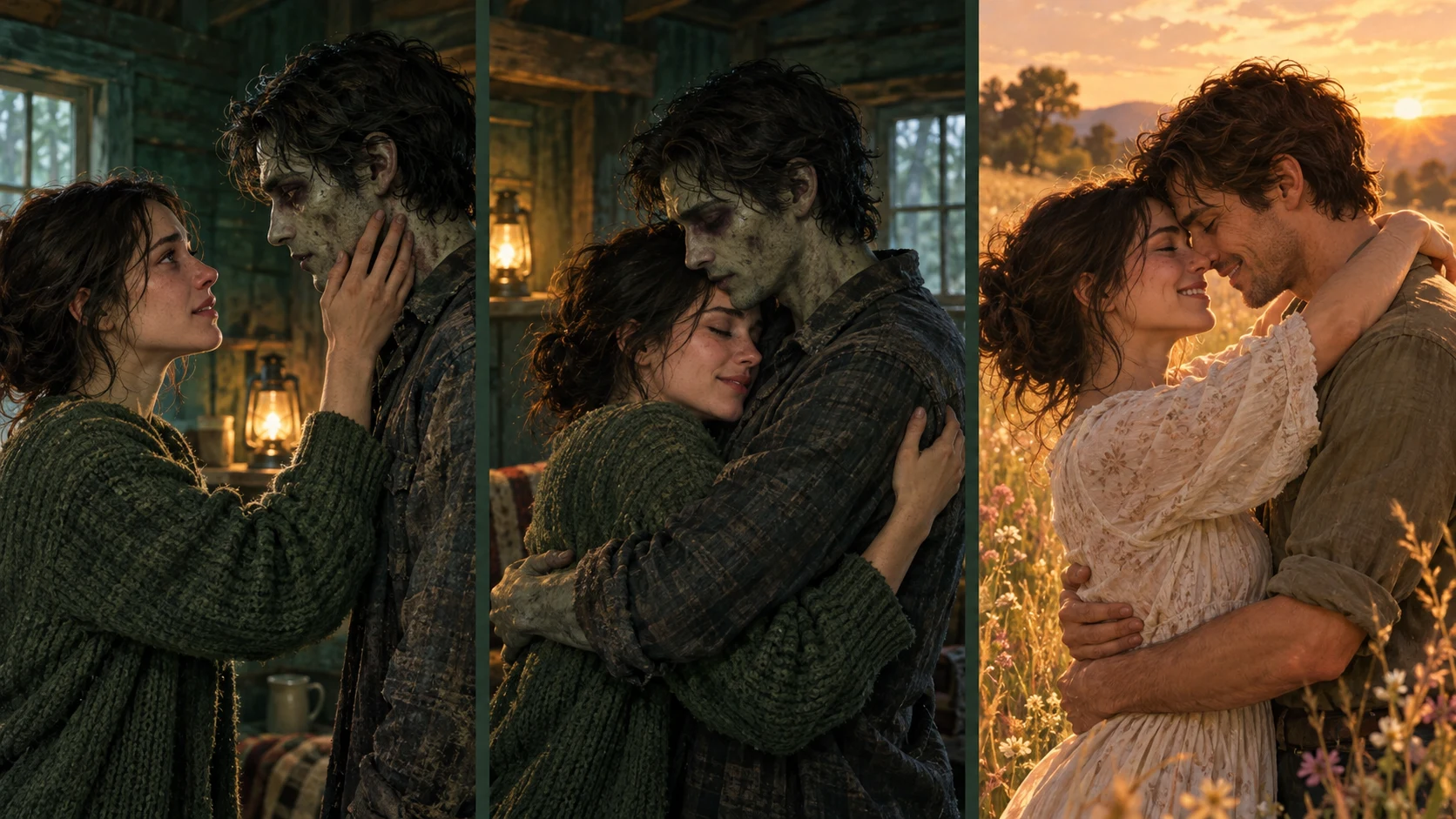
A frame from our Human & Zombie generation test. In the closing memory, both partners have a healthy human appearance. See the input portraits and full example.
What happens in a Human & Zombie video?
The story moves between a difficult present and a happier past. Its three main beats are recognition, an embrace and a memory.
First, one partner recognizes the other. A human survivor encounters their changed partner in a dim cabin. The zombie styling makes the difference visible, while familiar facial features help connect the person to the portrait.
Then, they move closer. Fear gives way to recognition. The embrace is the turning point: the human partner chooses to hold someone whose appearance has changed.
Finally, the scene returns to a happy memory. The setting changes to a sunlit field, with the same couple together and both looking human. That ending represents their life before the change. The connection between the two embraces is what makes the short story readable.
This is the intended story direction. AI may change the timing, gestures or transition. In our example, the move into the memory uses a visible dissolve; it does not reproduce every detail of the requested cut.
Human & Zombie or Zombie Lovers: which should you choose?
Choose by the ending you want the viewer to remember.
| Human & Zombie | Zombie Lovers | |
|---|---|---|
| Who becomes a zombie? | One partner in the present-day scene | Both partners |
| Main feeling | Recognition, reunion and remembering | Companionship and romance |
| Available story | Embrace & memory | Last dance, Garden date or Rainy walk |
| Ending | Both are human in an earlier happy memory | Both keep their zombie appearance |
Human & Zombie fits a story about remembering someone as they were. You choose who stays human and who becomes the zombie by placing their portraits in the corresponding slots.
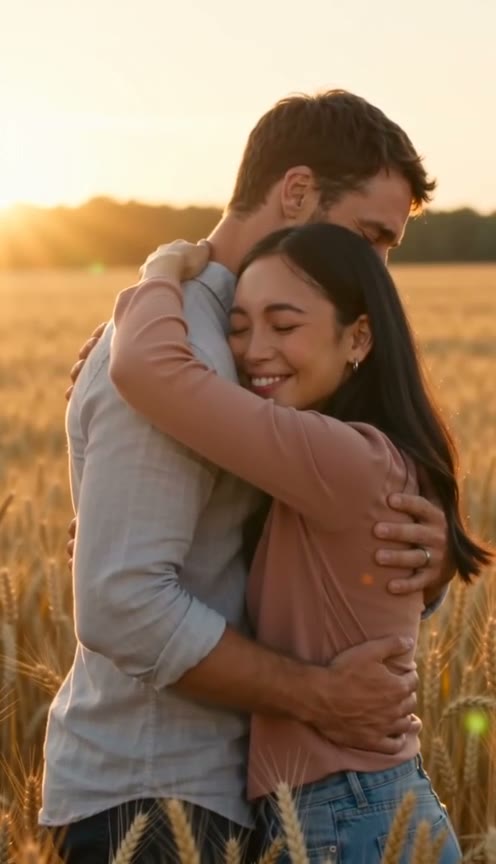
Zombie Lovers gives the couple a quieter moment together. A slow dance, a flower offered in a garden, or two people sharing an umbrella can carry the whole clip. These scenes keep the undead styling throughout, without returning to a human memory.
Why does the romantic version feel different?
The zombie appearance introduces distance: someone familiar suddenly looks unfamiliar. A small gesture closes that distance. Holding out a hand or leaning into an embrace lets the viewer understand the relationship without a long explanation.
For that reason, a focused scene is often easier to read than a crowded action sequence. One couple, one emotional change and one clear ending give a short video room to tell its story. The site's scenes use non-graphic zombie styling and affectionate gestures.
What do you need to make one?
Start with two separate portraits, one adult in each image. Ordinary photos work; you do not need zombie makeup, matching backgrounds or a photo of the final setting. Choose pictures with visible faces, even lighting and no heavy filters, and use photos you have permission to upload.
The portraits guide identity. The story supplies the environment and action, so objects or backgrounds in your photos may not appear in the result. Faces can also change during motion or between shots. Treat the portraits as guidance, rather than a promise of exact likeness.
The generator currently offers 10- or 15-second videos, portrait 9:16 or landscape 16:9, and 480p or 720p resolution. Generated audio is included. You can leave the optional Personal touch field empty or add a small clothing or atmosphere detail that fits your chosen story.
Questions before you start
Do both people have to become zombies?
No. Human & Zombie keeps one partner human in the cabin and brings both back as humans in the memory. Zombie Lovers gives both partners a zombie appearance throughout.
Is this a face filter or a new video?
It generates a new scene using the two portraits as identity references. The setting, movement and shots are created as part of the video, so they can differ between generations.
Do I need to write a long prompt?
No. Each scene already has a story direction. Personal touch is optional and accepts up to 400 characters for details such as clothing colors or lighting. A short, consistent detail is enough.
Can I try generating for free?
You can browse the tool and watch examples without paying. Generating requires paid credits; there are no free signup credits or monthly free-credit allowances. Check the estimate before generating and compare the available packs.
Make your own story
For a reunion with a happy-memory ending, choose Human & Zombie. For an affectionate moment between two undead partners, choose Zombie Lovers.
Choose your story in the generator.
Continue with the step-by-step photo tutorial, or see two input portraits and a finished test video.